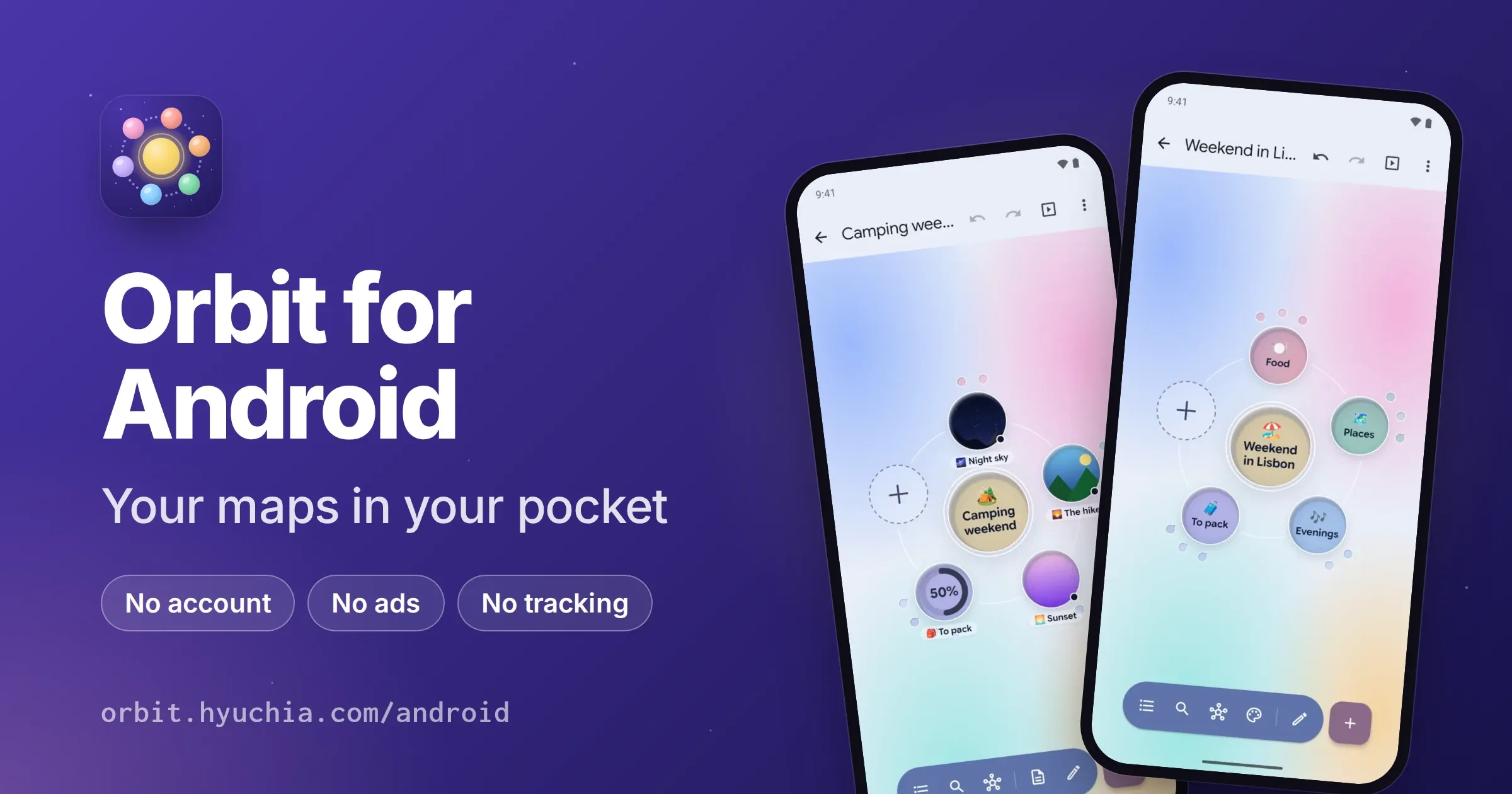
Orbit for Android v0.3.0
October 20, 2026
Download Link: orbit-0.3.0.apk · Google Play: pre-register · More: orbit.hyuchia.com/android
v0.3.0 brings in the maps you already have in other apps, saves maps as PDFs and prints them, and keeps every idea’s color where you put it. It also fixes everything a full review of the app turned up, and makes sending maps between your devices safer. Orbit is still free, with no account, no ads and no tracking. Here’s what’s new and how to use it.
💜 Support Orbit#
Orbit is free and open source, with no ads and nothing locked away. If it’s useful to you, you can help it grow: your support pays for the time that goes into new features and fixes.
- ❤️ GitHub Sponsors
- 💸 Wise
- 🧡 Patreon
- ☕ Ko-fi
📰 Release Change Log#
🌟 New Features#
📥 Bring In Maps From Other Apps
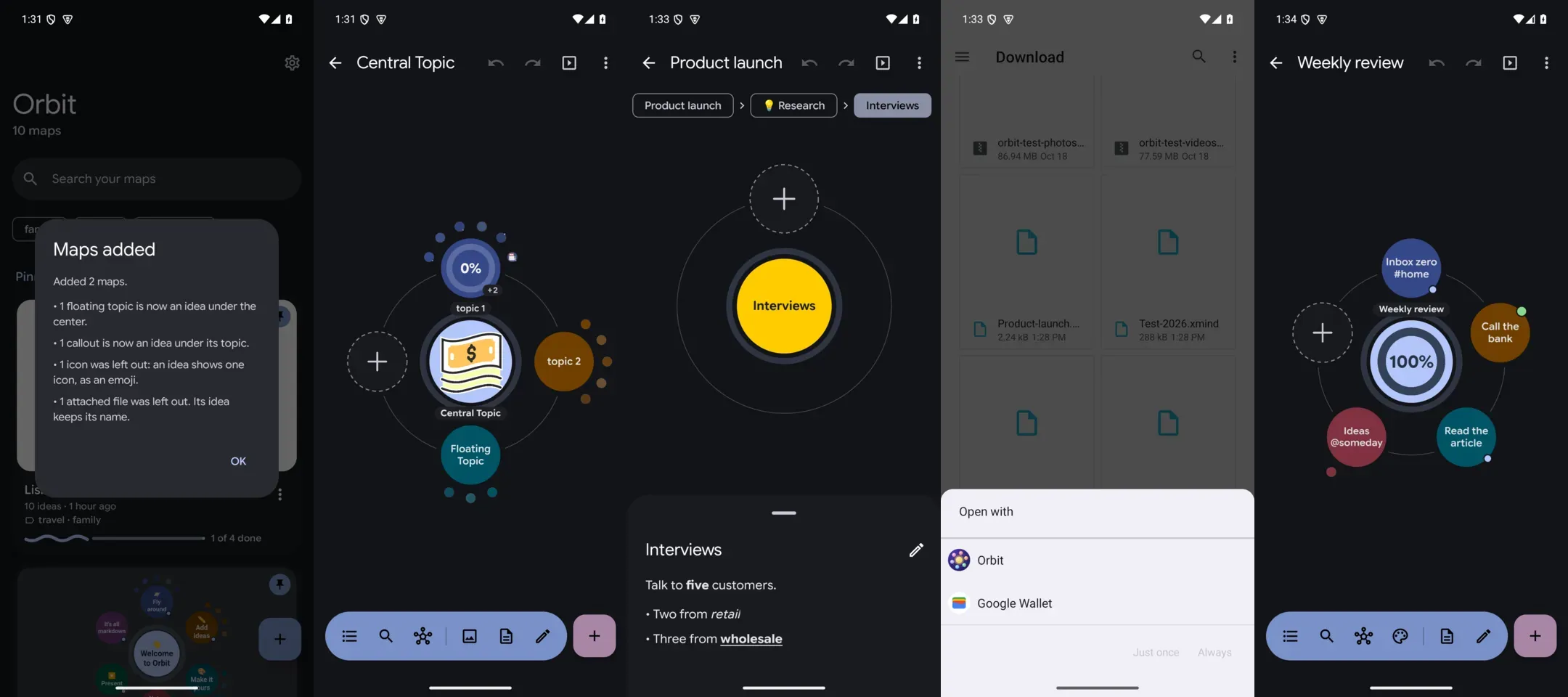
Orbit now opens the maps you made in other apps: OPML from outliners and most mind map apps, FreeMind and Freeplane’s .mm files, and XMind workbooks, from XMind 8 to today’s. Their notes, links, folded branches and an XMind workbook’s pictures come with them, and each XMind sheet becomes a map of its own.
To bring one in, tap New map on Home, then Open a file. You can also open the file from your files app, a download or an email, and pick Orbit. When something in the file has no place in Orbit, Orbit tells you what it kept another way: a floating topic becomes an idea under the center, for example.
📤 OPML Out
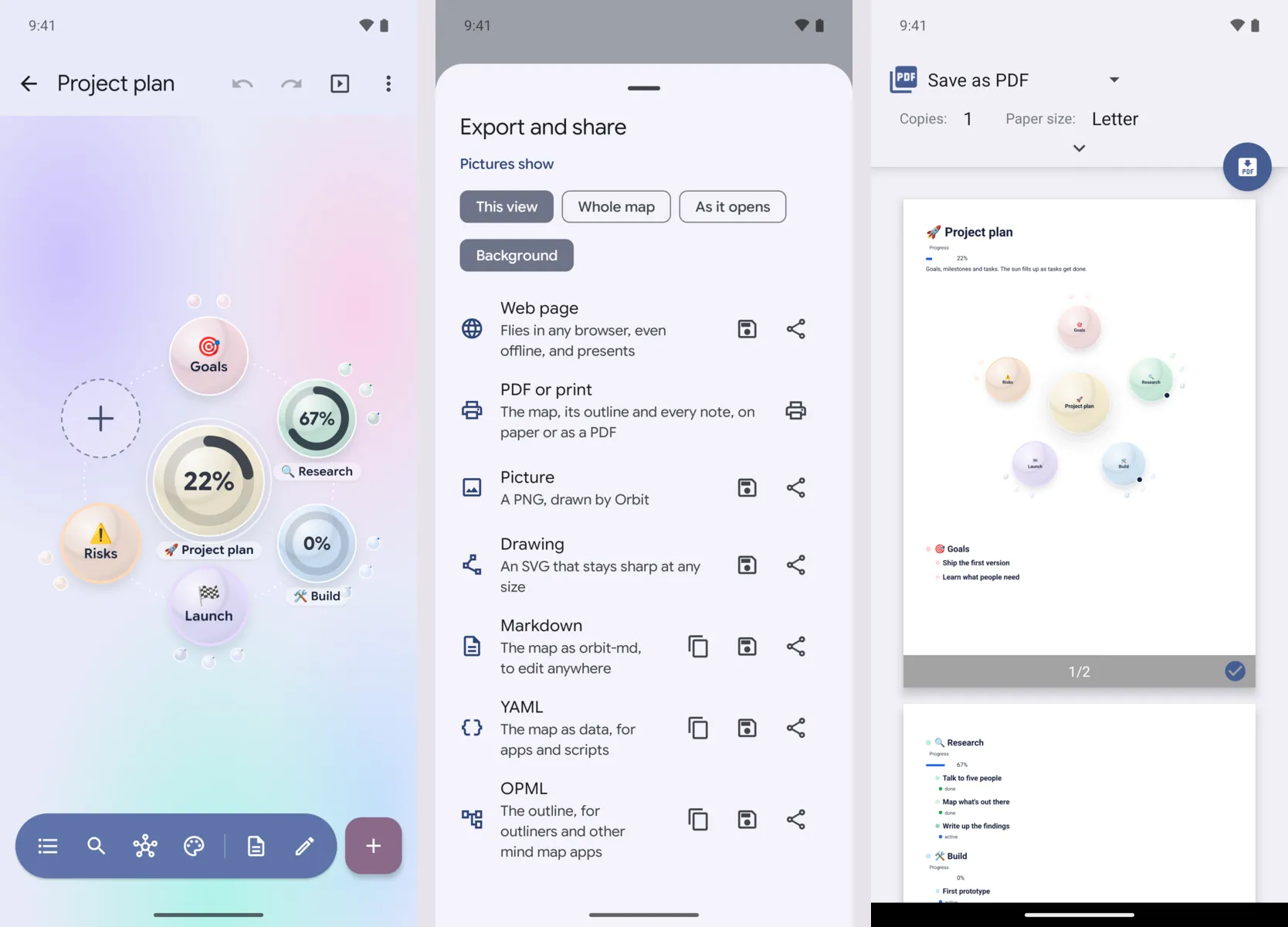
Maps go out as easily as they come in: Export and share has OPML, which outliners and other mind map apps read, with the map’s notes, links, statuses and tags.
🖨️ Save As PDF Or Print
Turn a map into a document to email, hand in or print: the map as a picture, then every idea in order, with its notes, statuses, tags, links and pictures. Open the map, tap Export and share, then PDF or print. Android’s print dialog shows the pages: choose Save as PDF, or a printer. Maps on dark styles print on light paper.
🎨 Colors That Stay With Their Ideas
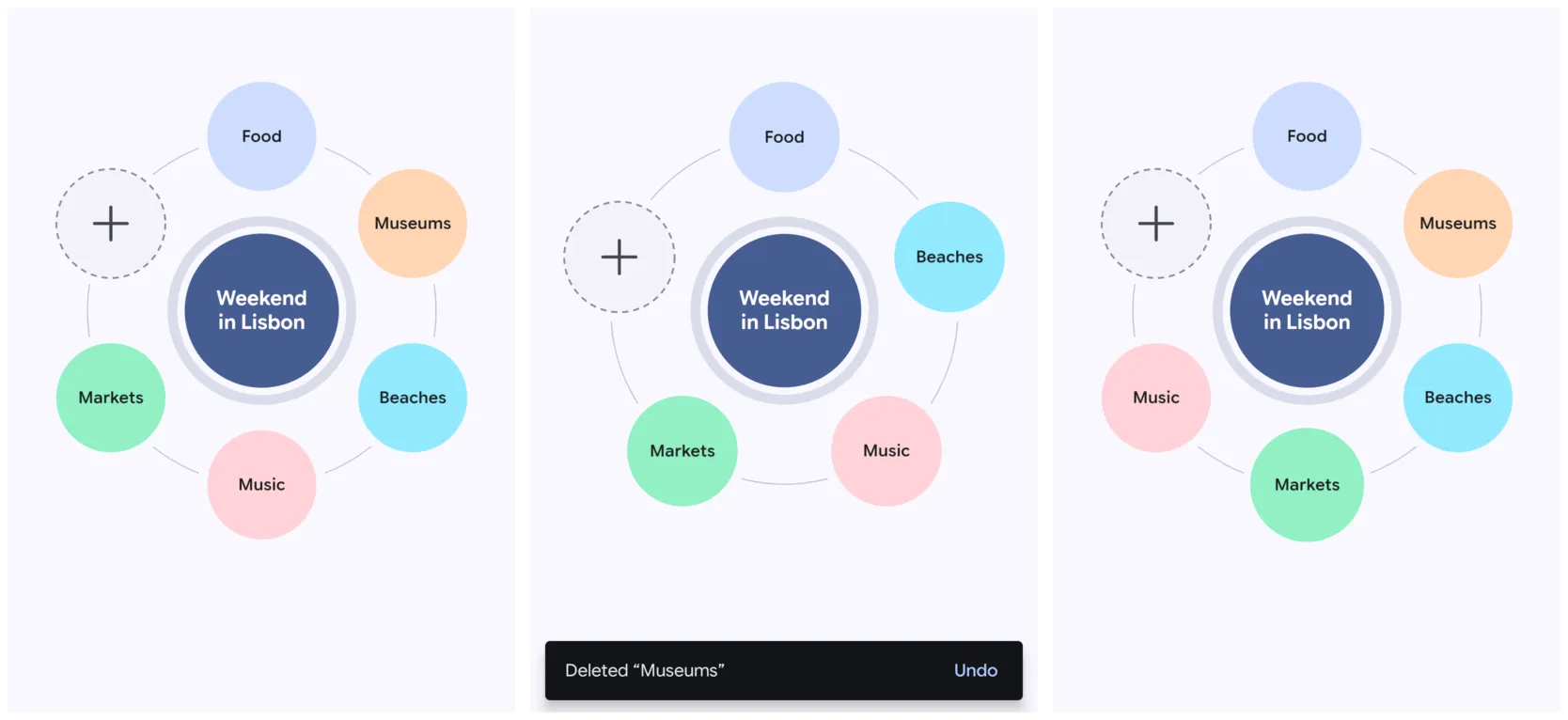
Deleting or moving an idea used to give the ideas after it new colors. Now every idea keeps its color, so you can keep finding your way around a map by color while you change it.
🪐 Orbits With Hundreds Of Ideas
Paste a list of hundreds of lines and every idea gets a place on a ring, big enough to read when you zoom in, where they used to shrink to specks.
🔒 Safer Sending Between Your Devices
- A map goes to another device only after you’ve checked that both show the same code, and you can stop it from either side before it goes.
- Orbit’s server only listens on your Wi-Fi, a hotspot or a cable, and other apps on your phone can’t reach it.
- On Google Play, Google’s Cast library starts only when you present, not when you open a map.
📺 Phones And TVs Say Which Version They Are
When you present on a TV, your phone and the TV now say which version of Orbit they speak. If a map is newer than the TV’s Orbit can fully draw, Orbit tells you that parts of it may look different, instead of you finding out on screen.
🐛 Bug Fixes#
- Search works with every letter: “istanbul” finds “İstanbul”, and searching a map with an İ in it no longer closes the app.
- Rehearsing a path that comes back to an idea no longer closes the app, and the summary shows each visit with its own time.
- Edit as text no longer loses what you typed just before closing it, while switching between markdown and YAML, or after an undo.
- Renaming an idea while you pause between words keeps the space (“New York” used to come out as “NewYork”).
- Deleting an idea counts every idea it deletes, not just the ones right under it.
- File problems, like a full phone, a picture that’s gone, or a version no longer in the history, now say what went wrong instead of closing the app.
- Folder sync remembers deleted maps more carefully, so a map you deleted doesn’t come back from an old folder.
- Exports stay for a day, so the app you shared to has time to read them.
- Presenting on a TV: the TV hears when the presentation ends, and a picture that can’t be read no longer closes the app; the map goes to the TV without it.
- Presenting: a hands-free talk ends when a presentation starts, a held arrow key steps once, and swipes follow the pace you set.
- Maps from a newer Orbit say to update Orbit, instead of asking you to fix the text.
- Entering an address with a port past 65535 says no one answers there, instead of closing the app.
📦 Misc#
- Shared pictures leave out what their file says beyond the picture, such as where and when it was taken. The privacy policy says so, along with the safer sending above.
- Smoother with big libraries: Home’s search and the emoji search no longer slow the screen down while you type.
- Built on Orbit v0.2.0, the library that draws the maps.
How To Update#
- From the website or GitHub: Orbit tells you about the new version within a day. Install it over the old one; your maps stay.
- Google Play: Orbit is open for pre-registration. F-Droid and AppGallery are coming soon.
- Sending maps: update both devices.
v0.3.0checks codes before a map goes, so it andv0.2.0won’t send maps to each other; each tells you which device to update.
To check the download, its SHA-256 is 1fc82bd5942508cffc2a754e993513b821768f79692a17bacb61a56929c602d9, and it’s signed with the certificate b4fd505f255c406cd205a6c403898e2069968339ad40269d5c22be79d561a107. Both are on the release on GitHub too.